Top 5 Free Food Costing Apps for Small Bakeries
Published: October 10, 2025
Let me be upfront: I've tested dozens of food costing apps over the years, helping bakeries figure out what actually works. Most free options disappoint. But a few genuinely help small operations get started with proper recipe costing.
Here's my honest assessment of the best food costing app options that won't cost you anything—along with their real limitations.
What "Free" Usually Means
Before diving into specific apps, understand what you're getting:
Freemium with limits: Full functionality but capped at 10-25 recipes. Upgrade to continue.
Free trial: Everything works for 14-30 days. Then you pay or lose access.
Ad-supported: Free forever, but cluttered interface and privacy trade-offs.
Open-source: Genuinely free, but requires technical setup and lacks support.
Free for now: Venture-funded startups offering free tiers that may disappear when funding runs out.
None of these are bad—just be aware of the model before investing time entering recipes.
My Evaluation Criteria
I tested each app against what bakeries actually need:
- Weight-based measurements: Can you enter grams and kilograms, not just cups?
- Sub-recipes: Can your croissant recipe reference your laminated dough recipe?
- Price updates: When butter costs change, how painful is updating every recipe?
- Yield tracking: Can you enter theoretical vs. actual yield?
- Bakery-relevant: Is this built for restaurants and adapted for bakeries, or actually designed for production baking?
- Mobile usability: Can you use it in the kitchen, not just at a desk?
- Export options: Can you get your data out if you outgrow the tool?
The Top 5 Free Options
1. Google Sheets (with a Good Template)
Best for: Bakeries that want full control and have spreadsheet comfort
I know—this isn't an "app." But honestly, a well-built spreadsheet remains the best food costing app free option for many bakeries.
What works well:
- Complete flexibility in how you structure calculations
- Free forever with no limits
- Works on any device
- Easy to share with partners or accountants
- Your data is always yours
What doesn't work:
- You have to build it yourself (or find a template)
- No automatic ingredient database
- Price updates require manual work across recipes
- No mobile-optimized interface
- Formula errors can cascade and break everything
Ideal user: Bakeries with fewer than 20 recipes who are comfortable with formulas and want to understand exactly how their costing works.
Honest take: Most bakeries start here. Many stay here. It works until you have 50+ recipes or need multiple people updating costs—then manual management becomes a full-time job.
2. Recipe Cost Calculator (by FoodCost.com)
Best for: Quick per-recipe costing without setup
This web-based best food cost calculator app offers simple recipe costing without account creation.
What works well:
- No signup required for basic calculations
- Clean, intuitive interface
- Supports common bakery measurements
- Calculates cost per serving automatically
- Free without obvious limitations for individual recipes
What doesn't work:
- Recipes don't save without an account
- No sub-recipe support
- No integration with your actual supplier prices
- Ingredient database is restaurant-focused
- Limited export options
Ideal user: Someone who needs to cost out one recipe quickly, or wants to test the concept before investing in a real system.
Honest take: Useful for quick calculations, not for running a bakery. I use it occasionally to sanity-check a recipe but wouldn't rely on it for ongoing operations.
3. Fillet (Free Tier)
Best for: Small bakeries wanting a real app with limited recipe needs
Fillet is a legitimate food costing app free at its basic tier, designed for food businesses rather than restaurants specifically.
What works well:
- Proper ingredient database with common bakery items
- Sub-recipe support (prep recipes)
- Clean mobile app
- Automatic cost calculations
- Menu pricing suggestions
What doesn't work:
- Free tier limited to 15 recipes
- Ingredient price updates still somewhat manual
- No invoice scanning
- Export requires paid upgrade
- Inventory tracking requires paid tier
Ideal user: Home bakers or very small bakeries who can operate within 15 recipes and want a proper app experience.
Honest take: The 15-recipe limit is the real constraint. A typical bakery exceeds that quickly. But within the limit, it's genuinely useful—probably the best food costing app for someone just starting out.
4. CalcMenu Free
Best for: Nutrition-focused bakeries that also need costing
CalcMenu offers a free tier that combines recipe costing with nutritional analysis—useful if you're selling to accounts that require allergen and nutrition info.
What works well:
- Dual-purpose: costing and nutrition
- Decent bakery ingredient database
- Scaling calculations
- Free tier includes 5 recipes
- Export to PDF for customer-facing spec sheets
What doesn't work:
- Only 5 recipes on free tier (severely limiting)
- Interface feels dated
- Mobile experience is clunky
- Slow to enter new ingredients
- More nutrition-tool-with-costing than costing-tool-with-nutrition
Ideal user: Bakeries selling to hospitals, schools, or corporate accounts that require nutritional and allergen documentation.
Honest take: The nutrition features are valuable if you need them. If you don't, better options exist for pure costing. Five recipes is frustratingly limited.
5. Meez (Free Trial + Limited Free Tier)
Best for: Bakeries wanting to see what professional-grade tools look like
Meez is built for professional kitchens and includes a free trial plus a limited ongoing free option.
What works well:
- Beautiful, intuitive interface
- Excellent recipe organization
- Full sub-recipe support
- Training video integration
- Scales recipes smoothly
What doesn't work:
- Free tier is very limited (essentially a trial)
- Designed for restaurants, adapted for bakeries
- Setup time is significant
- Pricing requires paid tier for real functionality
- Overkill for simple operations
Ideal user: Bakeries considering investing in a professional tool who want to test-drive sophisticated features.
Honest take: Meez is impressive, but it's not really a food costing app free option—it's a trial that shows you what you're missing. If you have budget for paid tools, it's worth evaluating. If you need free-forever, look elsewhere.
Comparison Table
| App | Recipe Limit | Sub-Recipes | Mobile App | Weight Support | Best For |
|---|---|---|---|---|---|
| Google Sheets | Unlimited | Manual | Browser | Yes | Full control |
| Recipe Cost Calculator | Per-session | No | Browser | Limited | Quick checks |
| Fillet | 15 | Yes | iOS/Android | Yes | Small operations |
| CalcMenu | 5 | Limited | Browser | Yes | Nutrition focus |
| Meez | Trial | Yes | iOS/Android | Yes | Evaluation |
What Free Apps Don't Do Well
After testing everything available, here's what consistently falls short in free tiers:
Invoice-Based Price Updates
No free food costing app scans your supplier invoices and updates ingredient prices automatically. You'll do this manually, recipe by recipe, or pay for the feature.
Meaningful Yield Tracking
Free tools calculate theoretical costs. Tracking actual vs. theoretical yield over time—critical for understanding real costs—requires paid tools or manual spreadsheet work.
Production Integration
How many units did you actually produce? What was your labor time? Free tools don't connect to production—they're isolated calculators.
Multi-User Access
Want your kitchen manager to update costs while you handle sales? Multi-user access is almost always a paid feature.
Historical Reporting
What did flour cost in March? How have your margins trended this quarter? Historical data and reporting require paid tiers.
My Recommendation
Here's my honest guidance based on bakery size:
Home Bakers / Farmers Market (1-10 products)
Start with a spreadsheet. Seriously. You don't need an app for 10 recipes. Use the time you'd spend evaluating apps to build one solid spreadsheet that calculates exactly what you need.
Small Bakery (10-25 products)
Fillet's free tier works if you stay under 15 recipes. If you're approaching 25, you'll outgrow free options quickly. Budget $30-50/month for a proper tool—it'll pay for itself in one caught pricing error.
Growing Bakery (25-50+ products)
Skip free entirely. The manual overhead of maintaining free tools at this scale costs more in time than a paid subscription. Evaluate Meez, MarketMan, or bakery-specific platforms like Diced OS.
The True Cost of "Free"
Let me share a scenario I see often:
A bakery uses a free app for six months. They've entered 40 recipes across multiple workarounds (because the free tier caps at 15). Ingredient prices change—butter up 20%, flour up 8%. They need to update every recipe manually.
Time to update: 3-4 hours Baker's time value: $25/hour Cost: $75-100
A paid app with automatic price propagation would have done this in 10 minutes after entering new invoice prices.
Free tools are only free if your time has no value. At a certain scale, that math flips.
Getting Started Right
If you're going to use free tools, do it strategically:
1. Document everything in parallel
Don't just enter data into the app. Keep a master spreadsheet with all your recipes, ingredient lists, and current costs. If the app disappears or you need to switch, you're not starting over.
2. Use consistent naming
"AP flour," "bread flour," "all-purpose flour," "Gold Medal AP"—pick one naming convention and stick to it. Makes migration easier later.
3. Set calendar reminders for price updates
Monthly at minimum. Free apps won't remind you that your butter price is three months old.
4. Know your exit strategy
Before entering 30 recipes, test whether you can export them. If you can't, reconsider.
5. Evaluate paid options annually
What seemed overkill when you started might be essential 12 months later. Business changes.
The Bottom Line
Free food costing apps serve a purpose: they let small bakeries get started with proper costing without upfront investment. That's valuable.
But they're stepping stones, not destinations. Every bakery I've worked with that scaled successfully eventually moved to paid tools—not because free stopped working, but because their time became too valuable to spend on manual workarounds.
Use free tools to learn the concepts, understand your costs, and prove to yourself that proper costing matters. Then invest in tools that respect your time.
Because the goal isn't cheap software. The goal is profitable baking.
Ready to move beyond free tool limitations? Get our free costing template at dicedos.com/freetemplate, or explore how our platform handles recipe costing, production planning, and profitability tracking designed specifically for bakery operations.
Related posts
What Is a Food Costing App? And Why Bakers Need One
Why Free Food Costing Tools Aren't Enough for Wholesale Bakeries
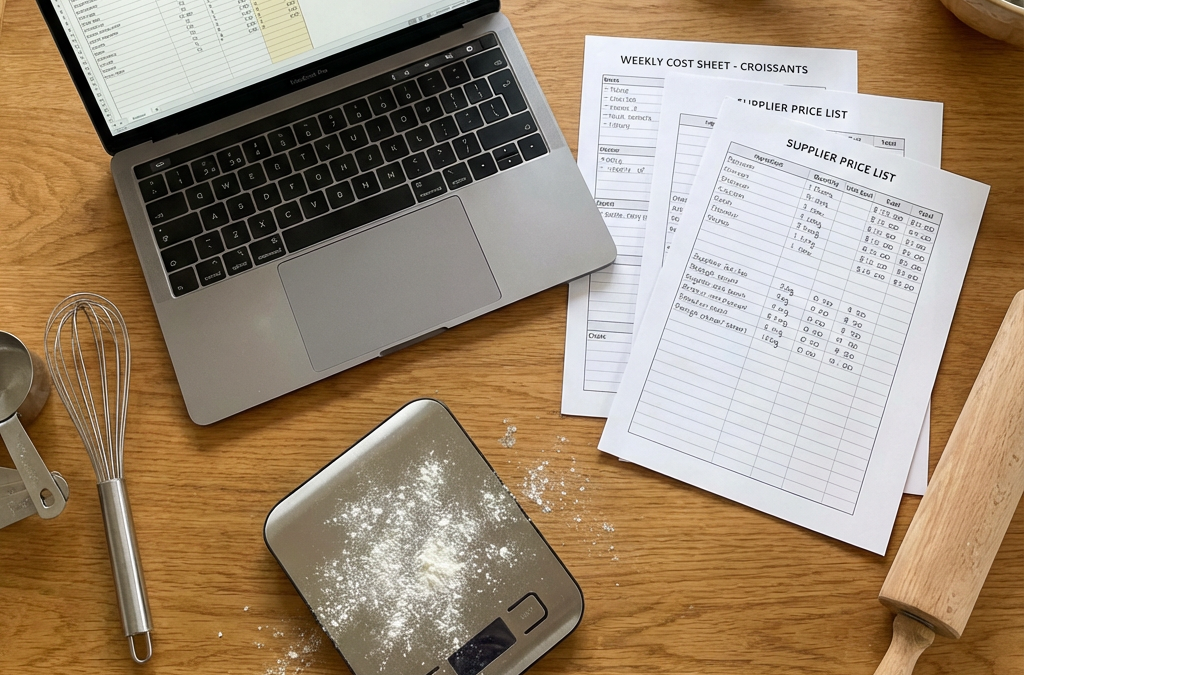
Free Food Costing Template for Wholesale Bakeries
Bakery Ingredient Price Variance Report: Catch Cost Changes Before They Hit Margin