What Is a Food Costing App? And Why Bakers Need One
Published: October 28, 2025
Let's start simple: a food costing app is software that helps you figure out what your products actually cost to make—and whether the prices you charge leave you any profit.
That's it. Ingredients go in, costs come out.
But while the concept is simple, doing it well is surprisingly hard. Which is why most bakeries either don't track costs at all or have abandoned spreadsheets sitting untouched in their Google Drive.
What Food Costing Apps Actually Do
At their core, food costing apps handle three things:
1. Ingredient Tracking
You tell the app what ingredients you buy, what they cost, and in what units. The app stores this information in a database.
When prices change—you get a new invoice, butter jumped 10%—you update the price once. The app knows.
2. Recipe Costing
You build your recipes in the app, specifying ingredients and quantities. The app pulls current prices from your ingredient database and calculates the total cost.
Cost per batch. Cost per unit. Automatic math with no formula errors.
3. Price Analysis
With costs calculated, the app shows you margins. You can see at a glance which products make money, which break even, and which lose money.
Some apps go further: tracking costs over time, comparing theoretical to actual costs, suggesting pricing adjustments.
Why Spreadsheets Eventually Fail
"I can do all that in Excel."
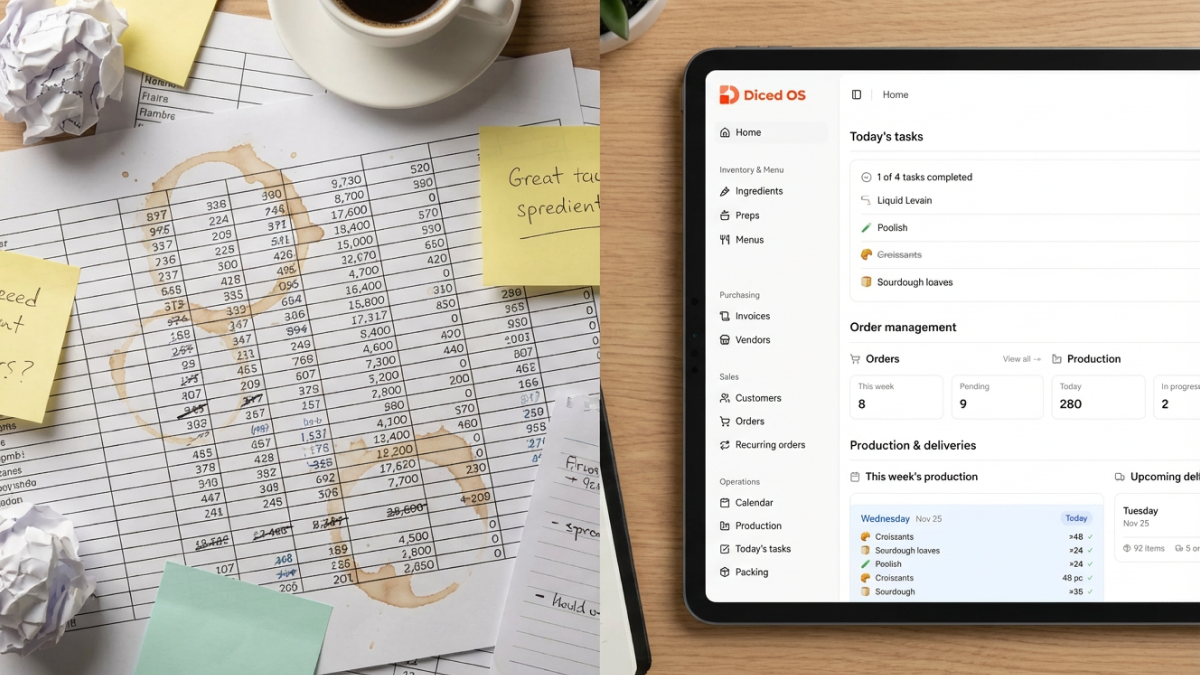
Yes, you can. Many bakeries have tried. Most of those spreadsheets stop being used within a few months.
The Update Problem
Your spreadsheet has 30 recipes. Butter price changed. How many cells need updating?
In most homegrown spreadsheets: 30 cells, one per recipe. Miss one? That recipe's cost is now wrong. Update the wrong cell? Formula breaks.
In a food costing app: one update. The app handles the propagation.
The Formula Problem
Excel formulas are powerful. They're also easy to break.
Someone accidentally types over a formula cell. Someone copies a row and the references shift. Someone updates a recipe without realizing a linked cell changed.
Months later, you're making decisions based on corrupted data—and you don't know it.
Apps protect their calculations. You can change data; you can't accidentally break the math.
The Access Problem
Your spreadsheet lives on your laptop. You're standing in the kitchen, need to check a cost, and your laptop is at home.
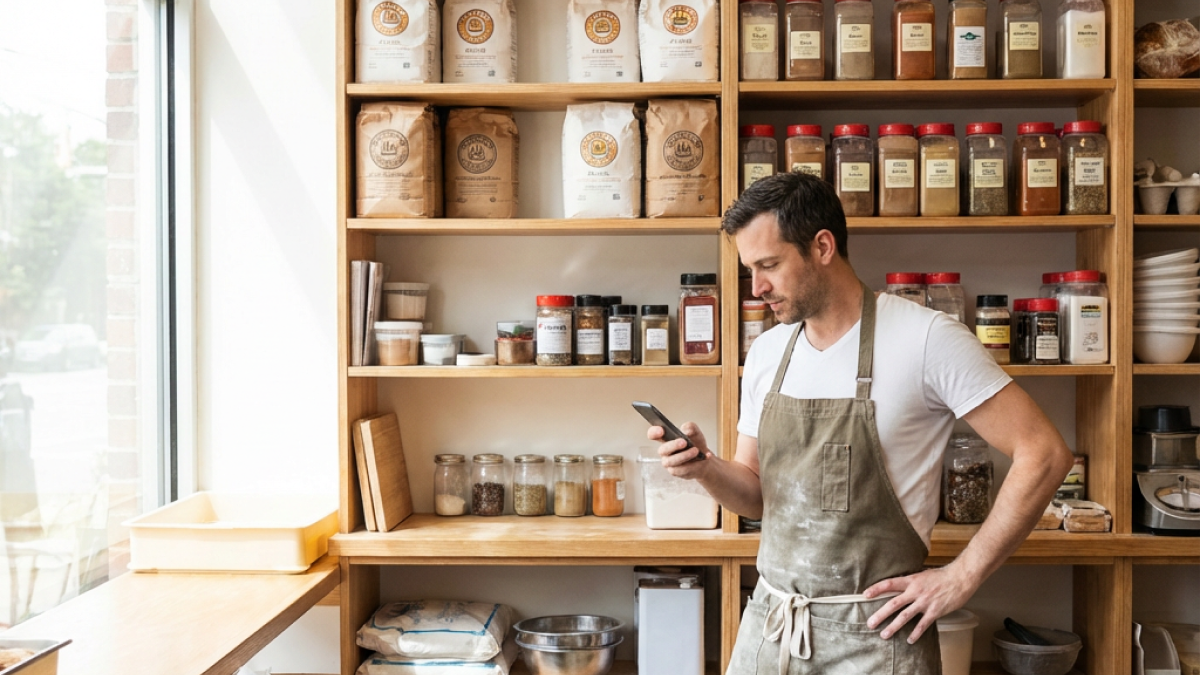
Apps are designed for mobile. Check costs from anywhere. Update prices from your phone while you're reviewing invoices.
The Time Problem
Building a good costing spreadsheet takes significant time. Maintaining it takes ongoing time. A food cost calculator app handles the structure so you can focus on inputting data and making decisions.
Features That Matter for Bakeries
Not all food costing apps are equal. Here's what to look for:
Sub-Recipe Support
Your croissant uses laminated dough. Your pain au chocolat uses the same dough. A good app lets you create "laminated dough" as a sub-recipe that other recipes reference.
Update the dough recipe once; all products using it recalculate.
Without sub-recipes, you're duplicating dough costs across every viennoiserie item. That's the spreadsheet problem all over again.
Weight-Based Measurements
Bakeries measure in grams. Restaurant-focused apps often assume cups and tablespoons.
Make sure the app supports:
- Metric weight measurements
- Custom unit conversions
- Baker's percentages (if you use them)
Price Update Workflow
The best apps make it easy to update ingredient prices when they change. Enter new prices in one place and they propagate to all recipes automatically.
This single feature can save hours monthly and catch margin erosion from price changes.
Yield Tracking
Your recipe yields 24 croissants theoretically. You actually get 22 consistently. Apps that track actual vs. theoretical yield show you the true cost per unit.
Mobile Experience
You're in the kitchen, not at a desk. If the app doesn't work well on a phone, you won't use it in the moments when you need it most.
Food Costing App Free Options
Several apps offer free tiers:
What you typically get free:
- Basic recipe costing
- Limited recipe count (10-25)
- Standard ingredient database
- Simple margin calculations
What requires payment:
- Unlimited recipes
- Sub-recipe support
- Production planning
- Historical cost tracking
- Multiple users
- Export functionality
- Integration with other tools
A food costing app free tier works well for:
- Testing whether you'll actually use an app
- Very small operations (under 15 products)
- Occasional use for specific pricing decisions
But if you're running a production bakery with 30+ items, free tiers hit limits quickly.
The Real Benefits for Small Bakeries
Confidence in Pricing
Without proper costing, pricing is guesswork. You look at competitors, add a gut-feel markup, and hope it works.
With proper costing, you know. This croissant costs $2.15. At $3.50, you make $1.35. That's a 39% margin. You can defend that price because you understand it.
Catch Margin Erosion Early
Ingredient prices creep up. If you're not tracking, a few percentage points disappear from your margins over months. You don't notice until cash flow tightens.
A costing app shows you immediately when costs change and margins shift. You can adjust prices before erosion becomes critical.
Make Better Decisions
Should you take this wholesale account at $3.00 per croissant? The answer depends on your costs. An app gives you that answer in seconds.
Should you discontinue that complex Danish that doesn't sell much? Check the margin. If it's 45%, keep it. If it's 8%, maybe not.
Data-driven decisions beat gut decisions over time.
Save Time
A proper costing spreadsheet takes hours to build and hours monthly to maintain. An app reduces that dramatically.
Time saved on spreadsheet wrestling is time available for baking, selling, or living your life.
Professionalism
When a potential wholesale account asks about your pricing structure, you can answer confidently. When your accountant asks about food cost percentage, you have the number.
Running a business well feels good. Tools that support good practices help you get there.
When to Start Using One
Too Early
If you're just starting, baking from home, selling at one farmers market—a spreadsheet or even napkin math is fine. You have maybe 10 items. Prices don't change that often. Complexity is low.
Don't add software overhead before you need it.
Just Right
Signs you're ready for a food costing app:
- You have 20+ products
- You're selling wholesale
- You struggle to keep your spreadsheet updated
- You suspect some items aren't profitable
- Ingredient prices change frequently
- You want to professionalize your operation
This is where the return on investment becomes clear.
Definitely Time
If any of these apply, you should already have proper costing tools:
- You employ multiple people
- You have 5+ wholesale accounts
- Revenue exceeds $10,000/month
- You're considering expansion
- You've been burned by pricing mistakes
At this scale, the cost of not knowing exceeds the cost of any tool.
Getting Started
Step 1: Know Your Ingredients
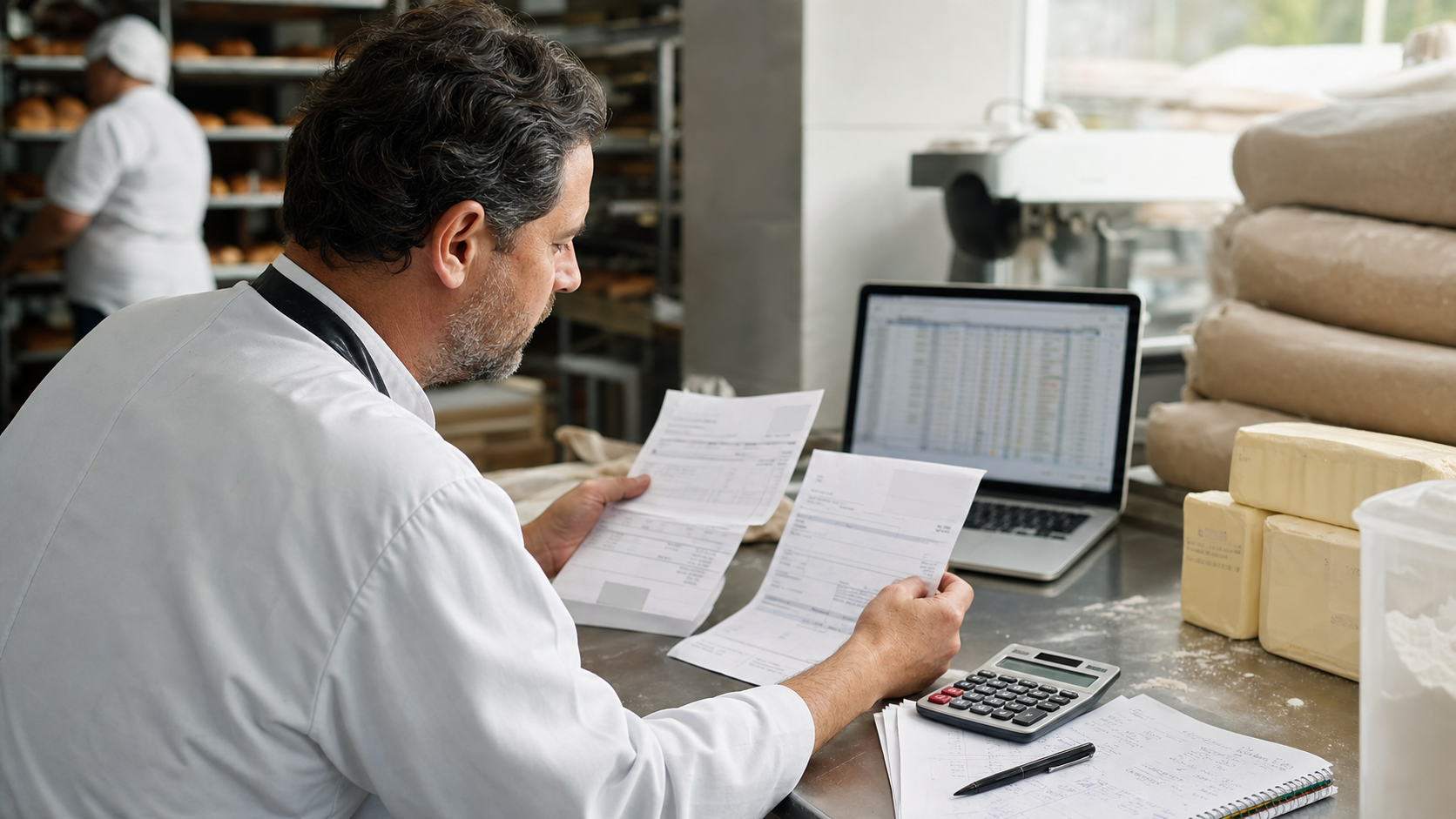
Before any app, you need accurate ingredient prices. Pull your recent invoices. List your top 30 ingredients with current costs.
Step 2: Pick a Tool
Try a food costing app free tier or trial. See if it works for how you think. Most apps offer 14-30 day trials.
Step 3: Enter Your Data
Start with your top 10 products. Build those recipes. Check the costs against what you expected.
Step 4: Evaluate the Output
Does the app show you something useful? Can you make pricing decisions based on what you see?
Step 5: Commit or Move On
If the app works, continue building out your full menu. If it doesn't fit, try another option before giving up on apps entirely.
The Bottom Line
A food costing app is a tool that does math you already need done—faster and more reliably than you can do it manually.
Not every bakery needs one. But most bakeries past the hobby stage would benefit from one.
If you've ever wondered whether your prices are right, whether a product makes money, or whether you can afford to take that wholesale order—a food costing app gives you answers.
And answers are worth having.
Ready to see what your products actually cost? Visit dicedos.com to try our food costing tools designed specifically for bakery operations—because knowing your costs is the first step to running a profitable business.
Related posts
Top 5 Free Food Costing Apps for Small Bakeries
Bakery Ingredient Price Variance Report: Catch Cost Changes Before They Hit Margin
Why Free Food Costing Tools Aren't Enough for Wholesale Bakeries
How to Set Wholesale Pricing for Cafes and Restaurants