
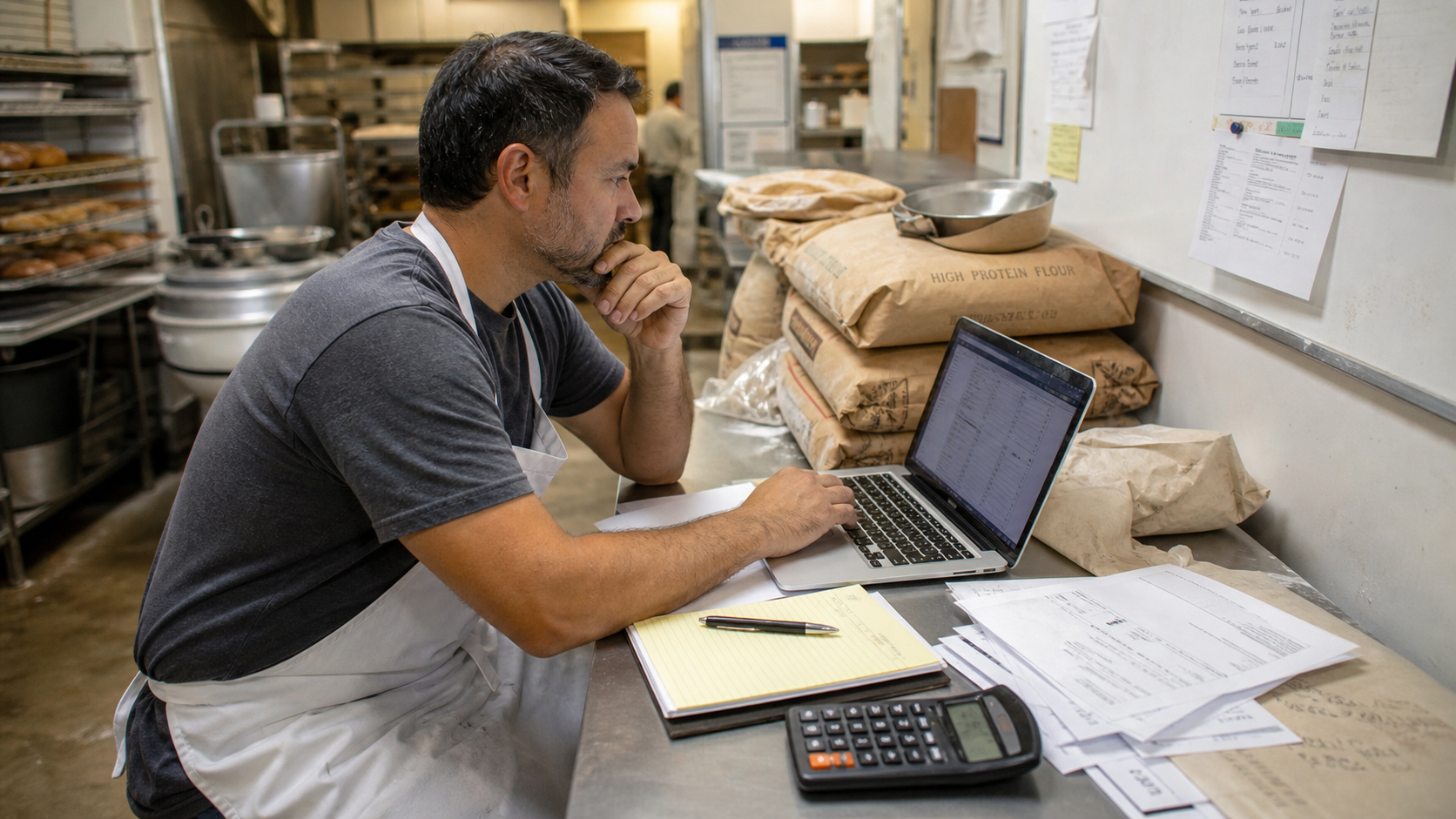
Bakery Purchase Order Approval Workflow: Control Spend Without Slowing Production
Published: May 20, 2026
Ingredient purchasing should feel boring. When it becomes urgent, emotional, or unclear, costs rise fast.
A purchase order approval workflow gives your bakery a simple way to buy what production needs while controlling duplicate orders, vendor drift, and emergency spend.
This does not need to be corporate or slow. A good workflow protects the team from surprises.
Why Bakeries Overspend on Purchasing
Overspend usually comes from small process gaps:
- multiple people order the same item
- par levels are not trusted
- supplier substitutions happen without approval
- emergency buys skip price checks
- invoice prices differ from expected prices
- managers approve orders after the money is already spent
The fix is not more paperwork. The fix is a purchasing path that everyone understands.
Define Who Can Request, Approve, and Place Orders
Separate three roles:
- requester: identifies what is needed
- approver: confirms the order makes sense
- buyer: places the order with the vendor
In a small bakery, one person may hold multiple roles. Still write the roles down. Clarity prevents "I thought someone else handled it" problems.
Set approval thresholds:
| Order Type | Approval Rule |
|---|---|
| Routine reorder under par | buyer can approve |
| New item | manager approval required |
| Vendor change | owner or operations lead approval |
| Emergency order | manager approval before purchase when possible |
| Large order over budget | owner approval |
Thresholds should match your business size. The point is to stop unusual spend from becoming invisible.
Start Every PO With a Reason
Every purchase order should answer one question: why are we buying this now?
Common reasons:
- below reorder point
- scheduled production need
- approved seasonal item
- customer-specific order
- vendor minimum consolidation
- emergency replacement
The reason helps the approver see whether the order is routine or exceptional.
Compare Against Inventory Before Approval
Before approving a PO, check:
- current quantity on hand
- open purchase orders
- expected usage before delivery
- supplier lead time
- minimum order quantity
- storage capacity
This prevents the classic problem: one person sees low stock, places an order, and later discovers another order was already on the way.
Control Substitutions
Supplier substitutions are sometimes necessary. They can also change cost, quality, allergens, yield, and labeling.
Use a simple rule:
No substitution becomes normal until it is approved for cost, recipe impact, and quality.
For each substitution, capture:
- original item
- substitute item
- price difference
- affected recipes
- approved use period
- who approved it
This protects your recipe costing and your production consistency.
Match Receiving to the PO
The workflow is not finished when the order is placed.
At receiving, compare:
- item received vs item ordered
- quantity received vs quantity ordered
- invoice price vs expected price
- damage or quality issues
- missing items
If receiving does not match the PO, flag it before the invoice gets paid or the ingredient gets used everywhere.
Review Purchasing Exceptions Weekly
A five-minute weekly review can reveal major patterns.
Look for:
- emergency purchases
- repeated stockouts
- price variances
- vendor substitutions
- orders above approval threshold
- items bought but not used
Each exception points to a fix: better par levels, better forecasting, a supplier conversation, or a production planning adjustment.
Try Diced OS
Diced OS helps bakeries organize vendor, ingredient, cost, and production data so purchasing decisions are grounded in the same numbers your recipes depend on.
Try Diced OS to bring cleaner purchasing discipline to your kitchen.
Related posts
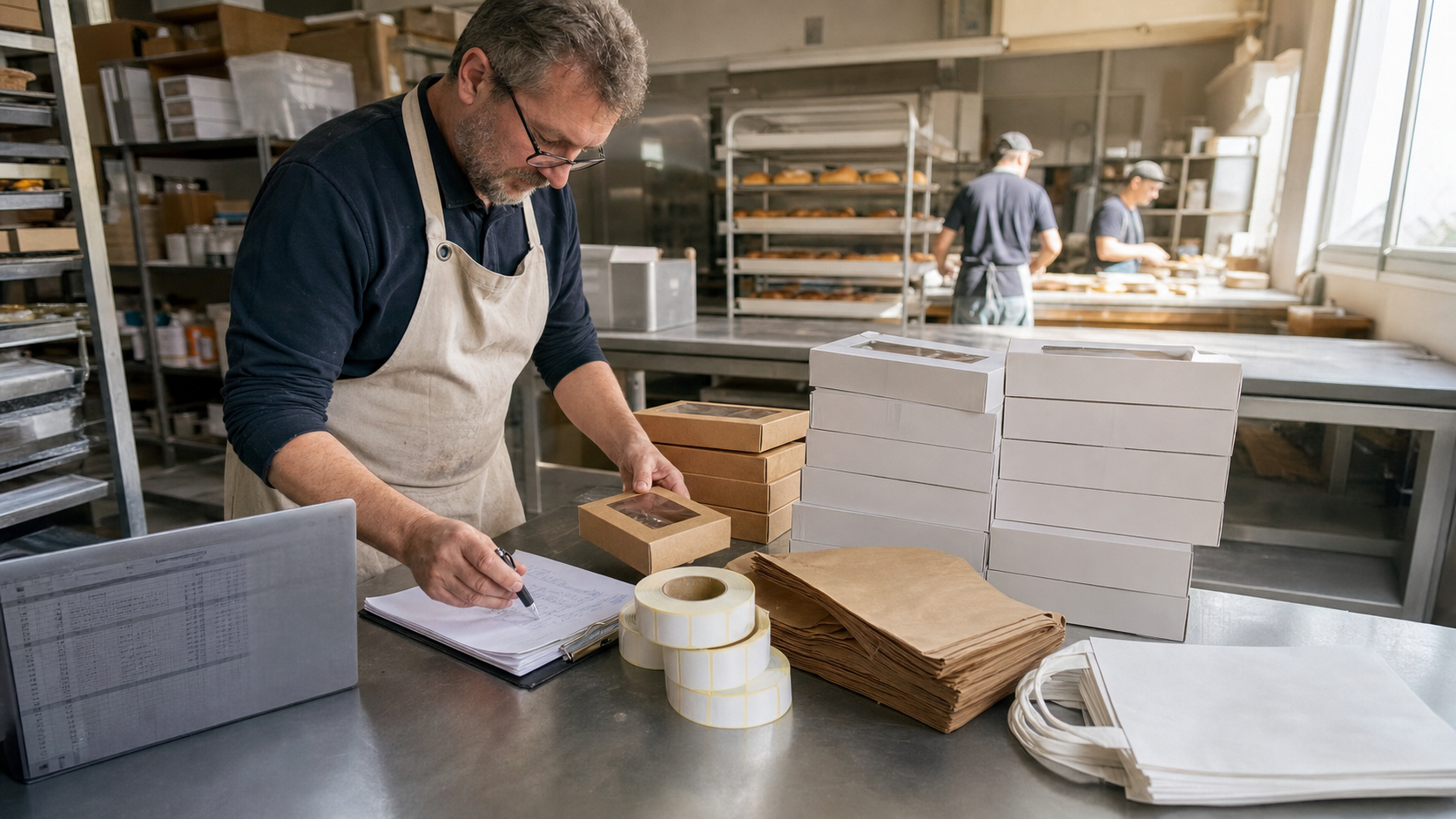
Bakery Packaging Cost Control: Track Boxes, Bags, and Labels Like Ingredients
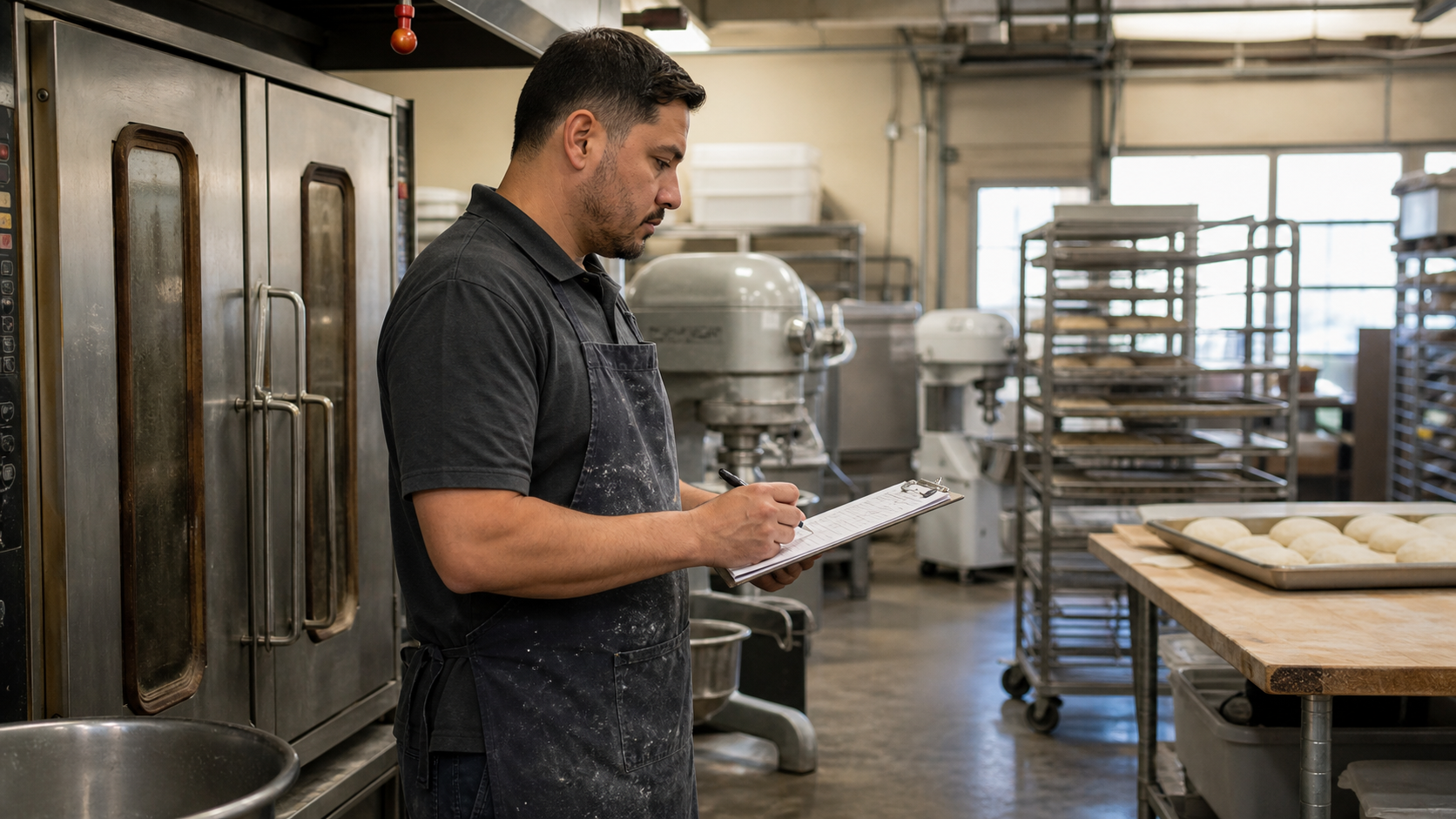
Bakery Preventive Maintenance Calendar: Stop Equipment Issues Before the Rush
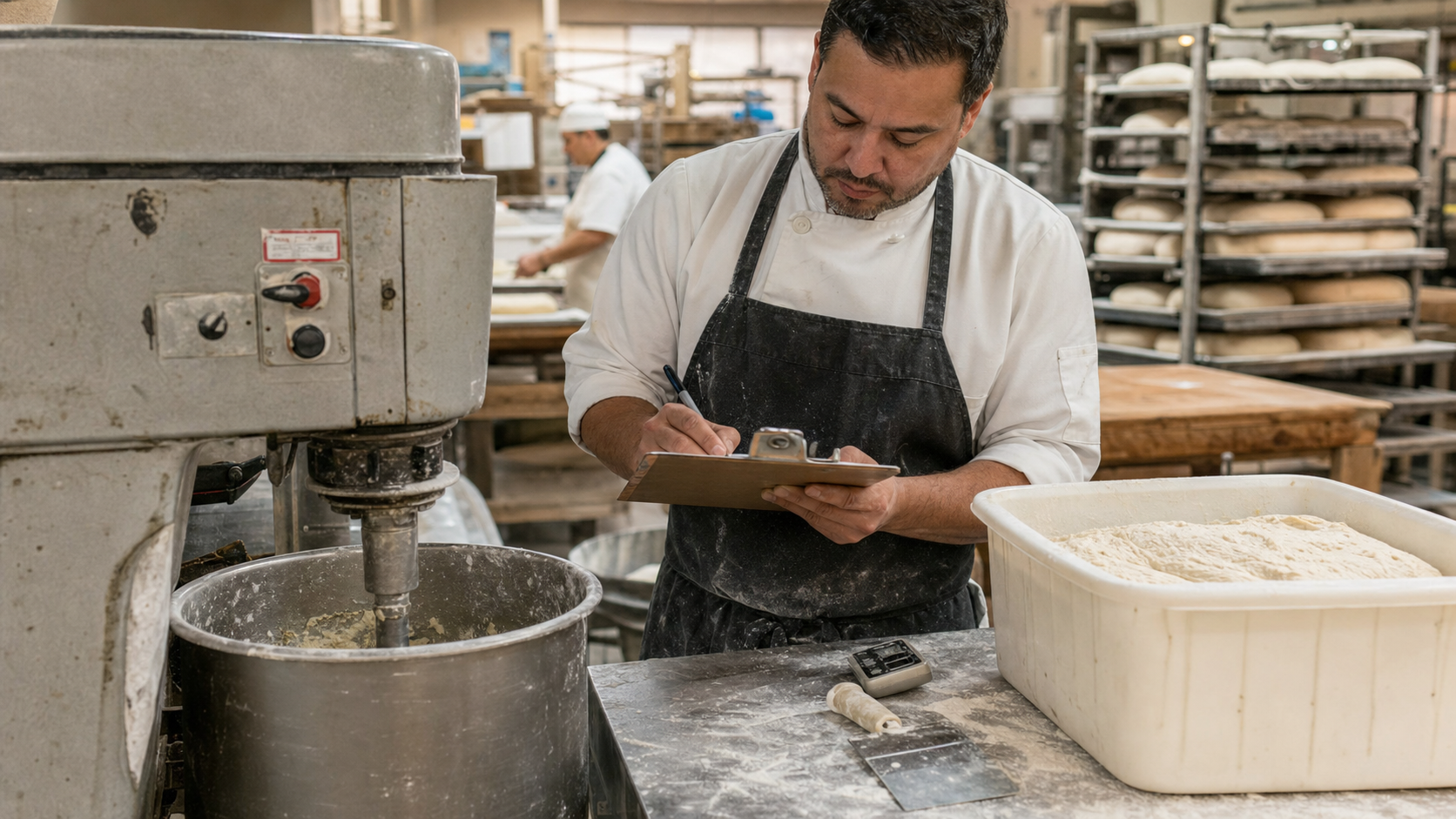
Bakery Batch Record Template: Capture What Actually Happened in Production
Bakery Labor Standards by SKU: Know Which Products Eat the Schedule
