Top 5 Features to Look for in Bakery Management Software
Published: April 25, 2025
Use this checklist during vendor demos. If a system fails any of these requirements, move on.
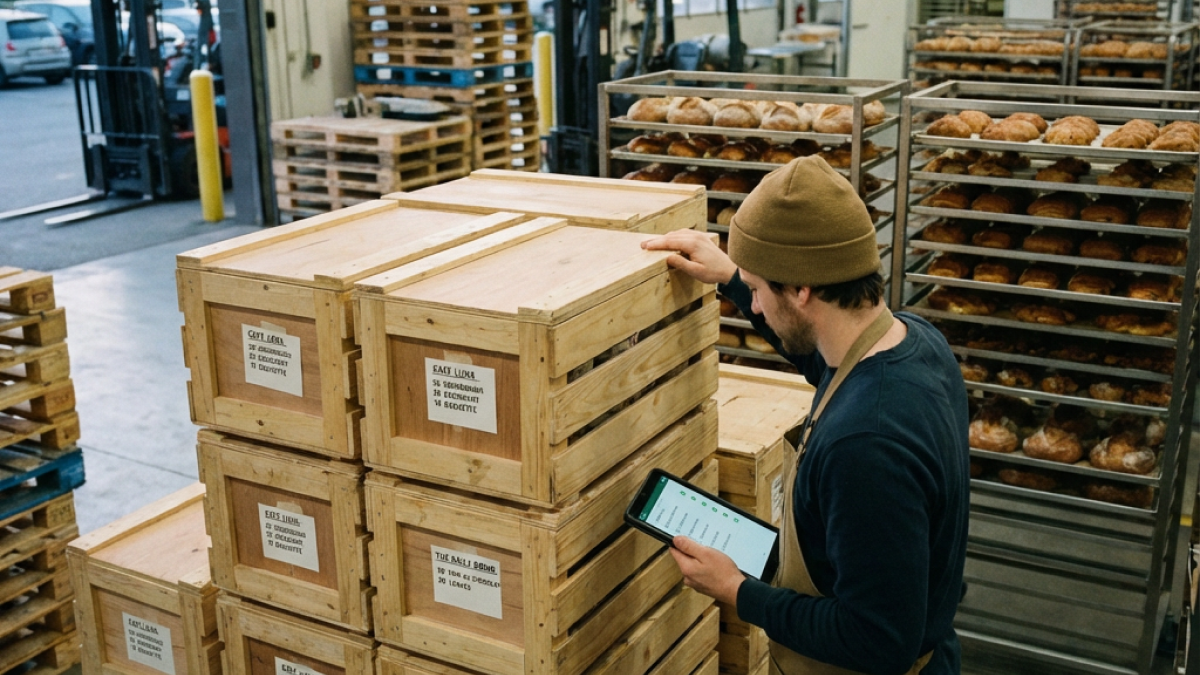
1. Mobile-First Design
Minimum requirement: Full functionality on smartphone and tablet, not just a "view-only" companion app.
Demo test:
- Ask to see the mobile version (not just screenshots)
- Create an order on mobile
- Check inventory on mobile
- Generate a bake sheet on mobile
Questions to ask:
- Can I do everything on mobile that I can do on desktop?
- Is there a native app or is it browser-based?
- Does it work offline or require constant internet?
- What screen sizes are supported?
Red flag: "The mobile app is for viewing only—you need the desktop for full access."
2. Automated Production Planning
Minimum requirement: System aggregates all orders into a single production document with calculated totals.
What it must do:
- Pull orders for a specific date automatically
- Sum product quantities across all customers
- Calculate total dough/ingredient requirements
- Include standing (recurring) orders automatically
- Generate pack lists by customer
Demo test:
- Enter 3 orders with overlapping products
- Generate bake sheet for that day
- Check that totals are correct
- Verify standing orders appear without manual entry
Questions to ask:
- How far in advance can I generate production plans?
- Can I adjust the bake sheet manually after generation?
- Does it show which customer ordered what?
- How does it handle order changes after the bake sheet is created?
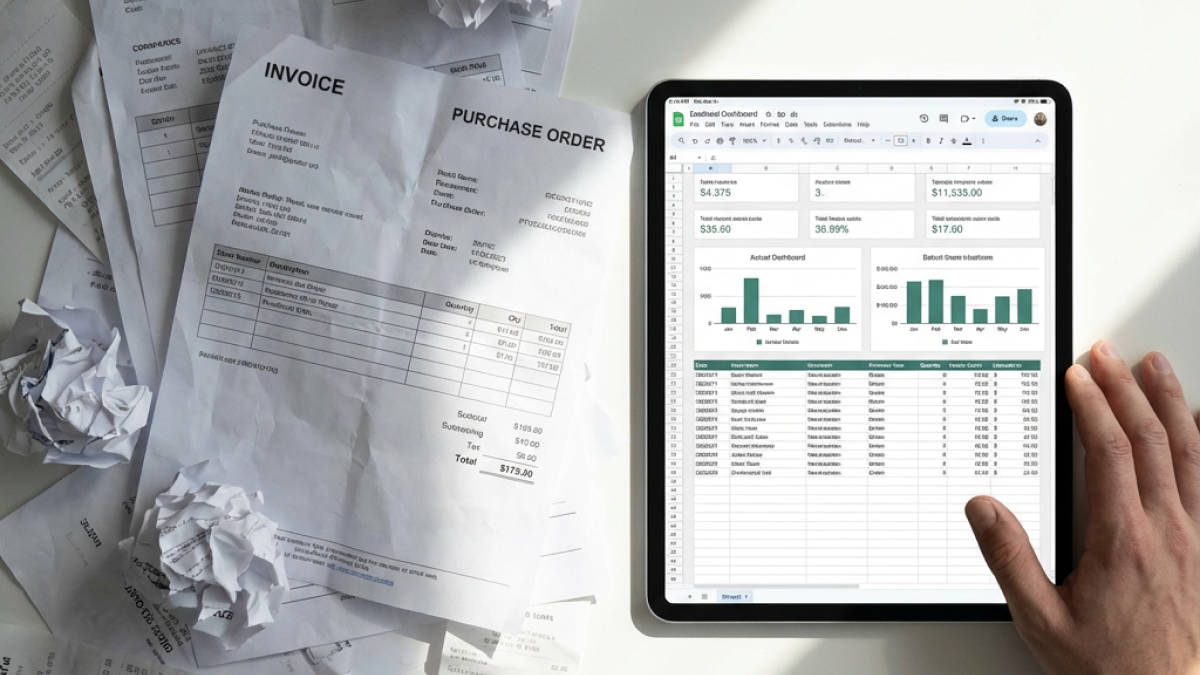
Red flag: "You export to Excel and calculate totals there."
3. Digital Order Records
Minimum requirement: Searchable order history with filtering by customer, date, product, and status.
What it must store:
- Order date and delivery date
- Customer details
- Products and quantities
- Pricing at time of order
- Delivery address
- Order status (pending, confirmed, delivered)
- Any notes or modifications
Demo test:
- Search for a specific customer's orders
- Find all orders containing "croissant" in the last 30 days
- Pull up an order from 3 months ago
- Export order history to CSV
Questions to ask:
- How long is order history retained?
- Can I search by product across all orders?
- Is there an audit trail if someone modifies an order?
- Can customers see their own order history?
Red flag: "We delete orders older than 90 days to save storage."
4. Recipe Costing & Scaling
Minimum requirement: System calculates per-unit cost based on current ingredient prices and scales recipes mathematically.
What it must do:
- Store recipes with gram-weight ingredients
- Link ingredients to current purchase prices
- Calculate cost per unit (e.g., cost per croissant)
- Scale recipes up/down by desired yield
- Update costs when ingredient prices change
Demo test:
- Enter a recipe with 5 ingredients
- Check the calculated cost per unit
- Scale the recipe to 2x and verify ingredient quantities double
- Change an ingredient price and confirm the recipe cost updates
Questions to ask:
- How do ingredient prices get updated—manual or automatic?
- Can I see margin percentage alongside cost?
- Does it account for yield loss (e.g., dough trimming)?
- Can I cost multi-stage recipes (e.g., croissants with pre-ferment)?
Red flag: "You enter the cost manually for each recipe."
5. Standing Order Management
Minimum requirement: System handles recurring orders without manual re-entry each week.
What it must include:
- Recurring delivery schedules
- Auto-population of weekly orders
- Easy modification before cutoff
- Customer order history
- Cut-off time enforcement
Nice to have:
- Customer-specific pricing
- Flexible delivery day scheduling
- Order templates
- Bulk order adjustments
Demo test:
- Create a standing order for a customer
- Verify it auto-populates for the next delivery day
- Make a modification before cutoff
- Check that the bake sheet reflects the change
Questions to ask:
- How far in advance can standing orders be set up?
- Can I modify or skip individual deliveries easily?
- Does it handle customer-specific pricing?
- Can customers have different delivery schedules?
Red flag: "You re-enter recurring orders manually each week."
Evaluation Scorecard
Use this during demos:
| Feature | Must Have | Has It? | Notes |
|---|---|---|---|
| Mobile-first | Full mobile functionality | [ ] | |
| Production planning | Auto-aggregate orders | [ ] | |
| Order records | Searchable history | [ ] | |
| Recipe costing | Auto-calculate costs | [ ] | |
| Standing orders | Auto-recurring deliveries | [ ] |
Any unchecked box = disqualify the vendor.
Beyond the Basics
Once core features are confirmed, evaluate:
Inventory management: Does it track ingredient levels and alert on low stock?
Packing lists: Does it generate packing lists by customer automatically?
Delivery organization: Does it organize orders by delivery zone?
Reporting: What built-in reports exist (sales, costs, margins)?
Data export: Can you export your data if needed?
Pricing Transparency
Demand clear answers:
- What's the monthly/annual cost?
- Are there per-user fees?
- What's included vs. add-on pricing?
- Is there a setup/onboarding fee?
- What happens to my data if I cancel?
Avoid vendors who require "contact for pricing" — they're screening for enterprise budgets.
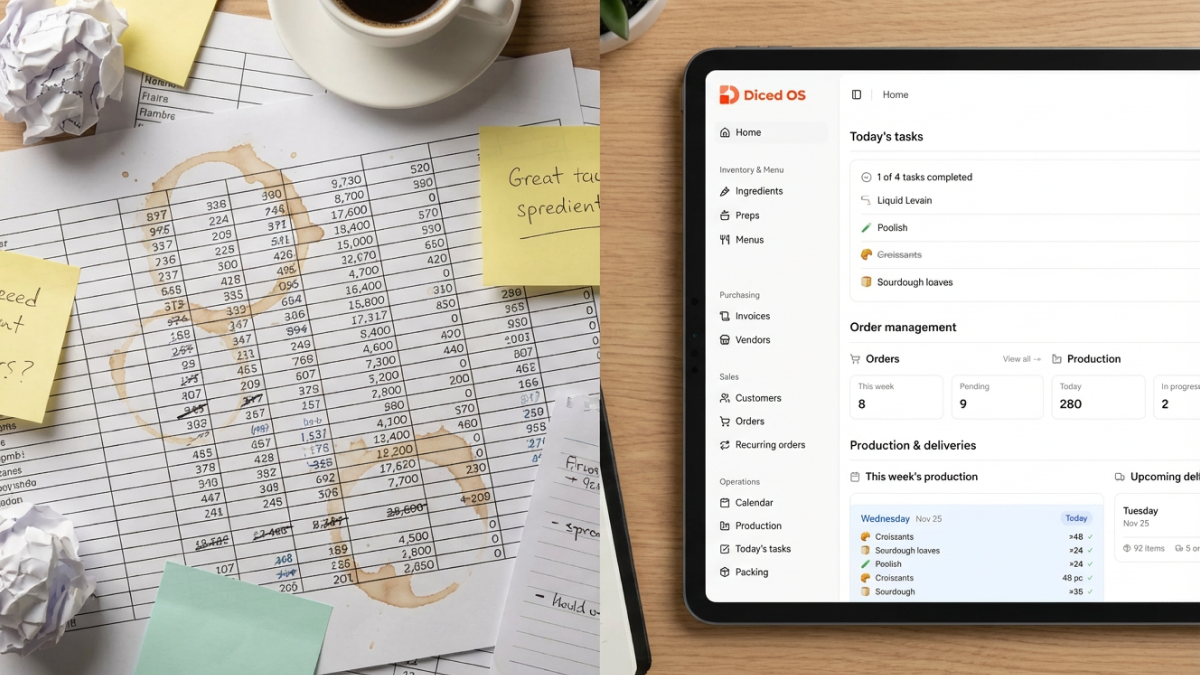
Test all five features in one place. Start a free trial at dicedos.com and run through this checklist yourself.