

Bakery Allergen Labeling for Wholesale Orders: A System That Scales
Published: February 24, 2026
Allergen incidents are not usually caused by one dramatic mistake. They happen when small process gaps line up across recipe setup, production, labeling, and shipping.
Wholesale bakeries need a controlled allergen labeling system that works under volume pressure.
Why allergen labeling fails in real operations
Common failure points:
- old recipe versions still in use
- labels printed from spreadsheets outside the main workflow
- order substitutions not reflected on final labels
- no final dock verification before loading
A good system controls these points with simple gates.
Define your allergen source of truth
Every SKU should have one approved allergen profile linked to one active recipe version.
Required data per SKU:
- declared allergens
- may-contain statement (if used by policy)
- ingredient statement
- recipe version ID
- effective date
No order should print a label without this data present.
Lock recipe-to-label mapping
Your labeling pipeline should always pull from current approved data, not manual copy/paste.
Control rules:
- only released recipe versions can trigger labels
- label templates must reference recipe metadata directly
- any recipe revision requires label re-approval before production
If recipe and label controls are separate, drift is inevitable.
Build pre-production checks
Before the shift starts, run a short allergen readiness check:
- confirm today’s SKU list and recipe versions
- verify label templates are current
- verify ingredient substitutions are approved
- confirm rework policy for allergen classes
This 10-minute checkpoint prevents most same-day label escalations.
Use in-line print verification
At label print time, require a second verification for high-risk categories.
Minimum checks:
- SKU and customer match
- allergen statement present
- date code and lot code present
- quantity and UOM correct
If one field fails, block print and require correction.
Add dock-level shipment verification
The final safeguard is at shipping.
For each pallet or route tote:
- scan order ID
- scan product label
- verify customer restrictions
- confirm no mixed-allergen mismatch in the same drop if policy prohibits it
Dock checks catch last-minute swaps that happened after initial label generation.
Handle substitutions with explicit policy
Substitutions should not bypass allergen controls.
Policy example:
- substitution request requires QA approval
- replacement SKU allergen profile must be shown to customer if changed
- label regeneration required before pick/pack
No substitution should inherit an old label.
Train by scenario, not by slides
Use scenario drills for:
- ingredient shortage with urgent substitution
- relabel required after recipe correction
- returned product with damaged labels
Teams remember procedural responses better than policy documents.
KPI set for allergen control
Track weekly:
- label reprint rate by reason
- near-miss allergen incidents
- dock verification failure rate
- recipe-label mismatch events
- customer allergen complaints
Trends reveal where control is weak before incidents occur.
60-day rollout plan
- Normalize allergen metadata for top SKUs.
- Enforce recipe-version gating for labels.
- Add print-time and dock-time verification steps.
- Run cross-functional training with production, QA, and shipping.
- Audit weekly and close repeat failure modes.
Strong allergen labeling is an operations design outcome, not just a compliance checkbox.
Try Diced OS to keep recipe versions, allergen data, and wholesale labels synchronized across production and shipping. Diced OS
Related posts
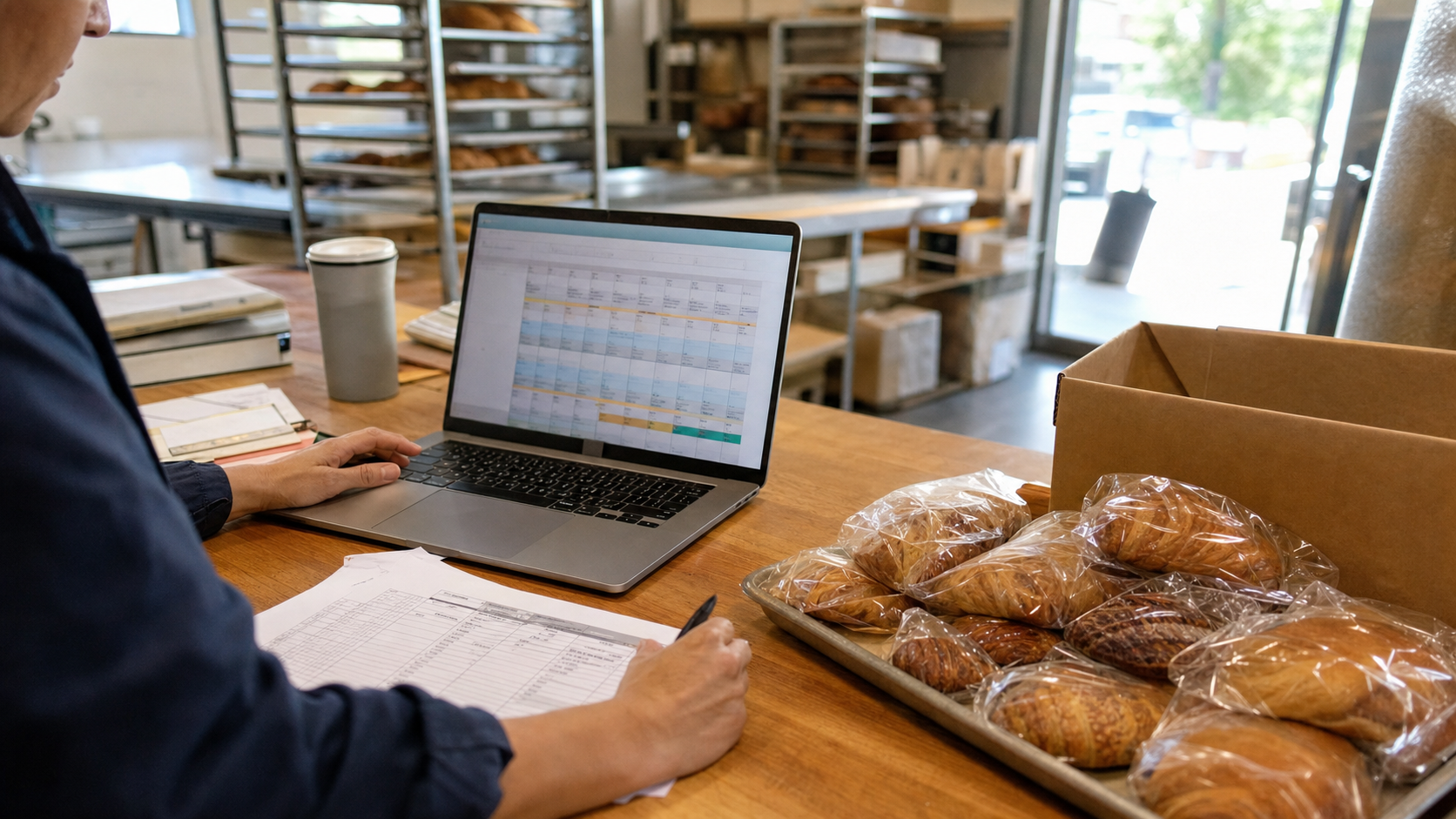
Bakery Standing Orders for Wholesale Accounts: Keep Recurring Deliveries Accurate
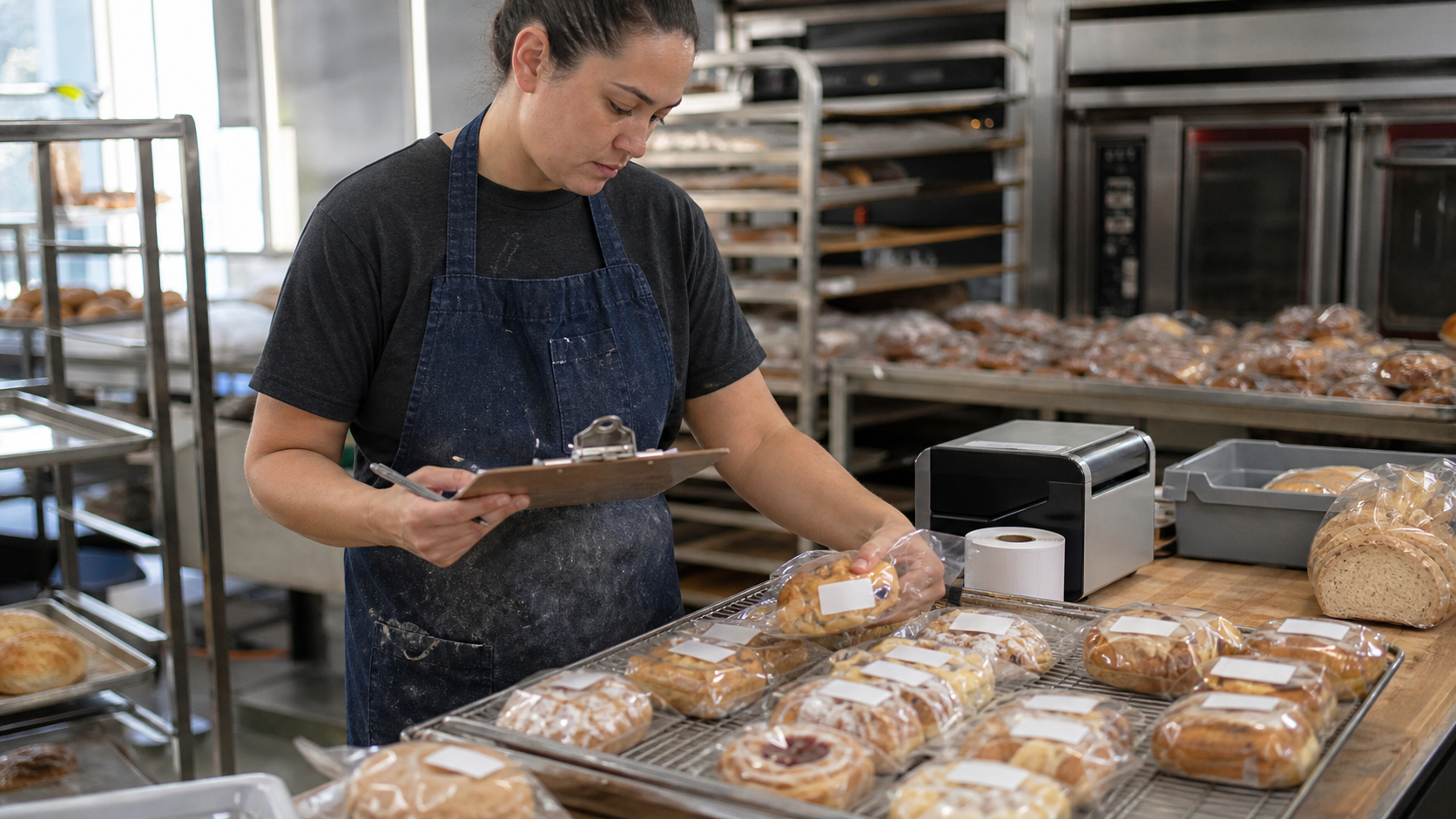
Bakery Shelf-Life and Date Code System: Keep Freshness Decisions Consistent
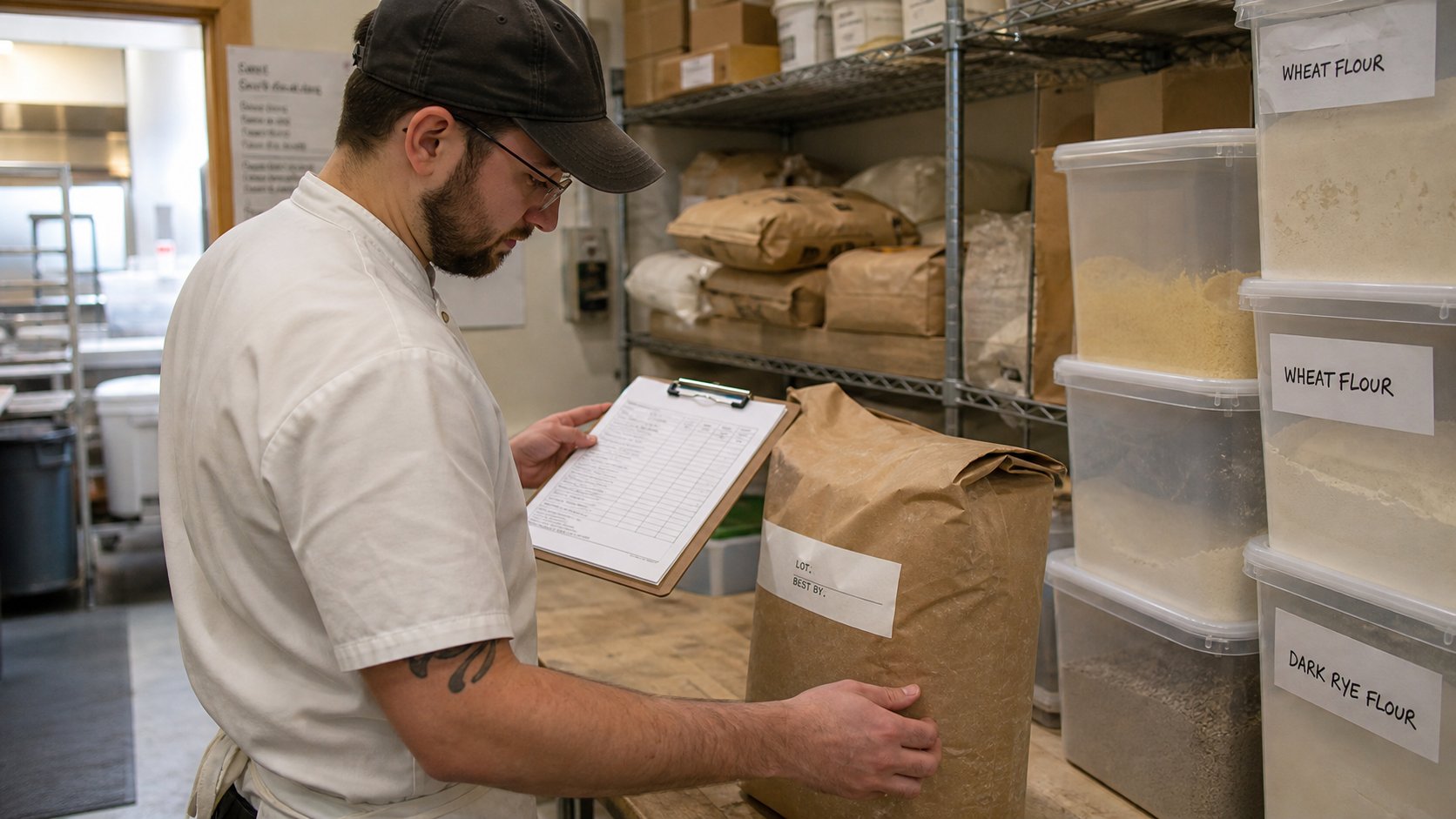
Bakery Lot Traceability: A Practical Recall-Ready System for Small Teams

Bakery Packaging Cost Control: Track Boxes, Bags, and Labels Like Ingredients
